

Media
The Best Font for Subtitles : our top 8 picks!
14 Jun 2021
8 minute read
Table of Contents
Great digital content requires more than just creating or recording videos. You have to take the needed step to make sure your videos reach the target audience with ease. One way to ensure this is to have readable subtitles for your videos. If part of your target audience is speakers of another language, then a subtitle file in their language would be great. Subtitle font is an important part of your video. This is especially true if you have a wide audience, including those that are not native speakers of the language used to record the video. However, adding subtitles is meant to add simplicity and understanding to your video, not take it away from it.
A good subtitle would be clear for all to see, and at the same time, it would not draw attention away from the video. A viewer should be able to focus on your video while reading the subtitle easily. So, what is the best font for subtitles? This is a question many content creators have been asking. Many, through trial, have come to stick to the one that they feel is readable for all.
The good news is that there are many options available to you when choosing the best font for subtitles. The many options come in different styles and designs. Choosing a unique font gives your video a different feel and adds to your originality.
Let’s take a look at the best types of subtitle fonts.
1. Arial
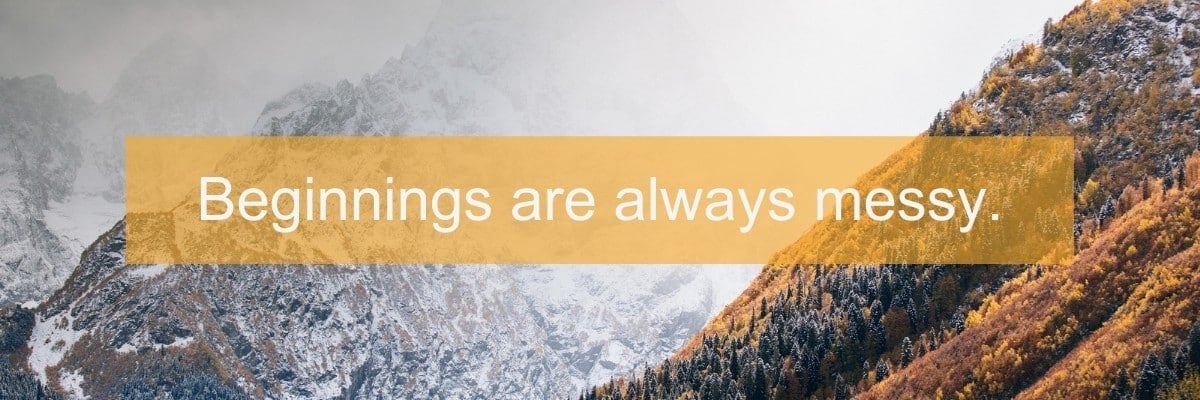
We start off with the most widespread font in the world. Arial guarantees safety and readability. How? Almost everyone has come across the font at one point in time; it is ubiquitous. So, there is a guarantee that your viewers are familiar with it. Arial is a generic sans serif style, and it is used for various purposes.
One reason why Arial is a good choice is seen in the use of numbers and symbols. You might need to add symbols and numbers to your subtitle; Arial has them in a clear and simple design. There are variations like Arial Black, but this might not be suitable for long sentences.
If you want a font that is safe to use, then pick Arial. However, it doesn’t add any distinction or uniqueness to work. If you want something more unique, continue down the list.
2. Roboto
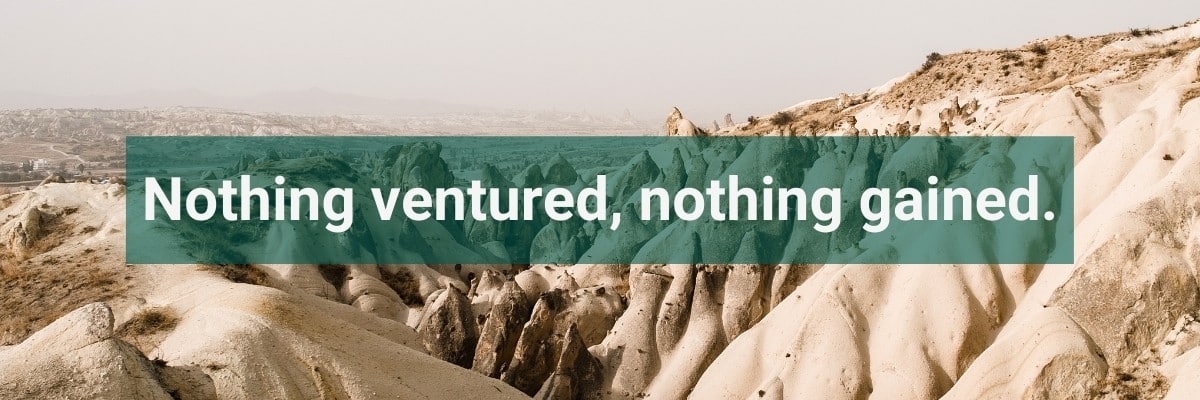
Roboto is the official subtitle font for Google. Roboto Medium (one of the variations of the original Roboto) is the default subtitle font for YouTube users. There is a reason for this. Roboto is one of the best fonts for subtitles. It has a wide range of styles and lengths and you can use it based on preference and length of sentences.
Roboto is generally better when dealing with long sentences in your subtitles. The fact that it is seen everywhere makes it easier to read for your audience.
Thanks to its open-source license, Roboto is free for all.
3. Times New Roman

This is another font that promises excellent readability. It was formed for the famous British Magazine, The Times. Times New Roman has come a long way from its days of being the popular font of the older version of Microsoft Word. It might not be the favorite font for some back then, but this font has its level of uniqueness that makes your work look sophisticated. It is another serif typeface with a note of simplicity.
Times New Roman is best for subtitles with short sentences on the screen at a time. If you are the audacious type looking for something different, this might just be your needed breakthrough.
4. Verdana

Verdana offers something different to users. This font is a condensed style, and this makes it suitable for small screens. So, if your target audience is those with mobile phones or small tablets, this option is a great one for you. It also brings a touch of freshness to your video.
The font is also suitable for users with larger screens. It takes up a very small space at the bottom of the screen while still being clear. That way, the focus is on your video and nothing else.
5. Tiresias

Tiresias is another great option when looking for the best font for subtitles. This font was created for vision-impaired people. It is clear and readable, so much so that it has become the standard font for BBC subtitles. It is a font that is best used when your viewers must read to grasp the information on the screen.
It is, in fact, one of the most legible fonts in the san serif category. It has up to six different styles. One more reason to consider Tiresias; it is unique and different. So, you have clarity and uniqueness.
6. Antique Olive

Antique Olive is formed specially for video content. It is a classic style of lettering and subtitles, another san serif with unique characters. Antique Olive is best fitted for content that would appear on the big screen. So, if a digital board is what you have in mind for your developed content, then Antique Olive is the way to go.
One common thing with Antique Olive is the use of black box-like background. This is to help make the font stand out. Though some might argue that this draws attention to the font, it is still a good way to make the font clearer.
7. Futura

Want something uniquely designed for a promotional video? Futura is one of the best options for you. Another sans serif font and with its level of flexibility. The regular version is great for subtitles. You can also use the condensed type for your text when you want longer sentences to fit the small mobile screens. It is great for just about any letter or character. It is readable and clear. What’s more? It gives your content a futuristic sense of appeal.
8. Helvetica
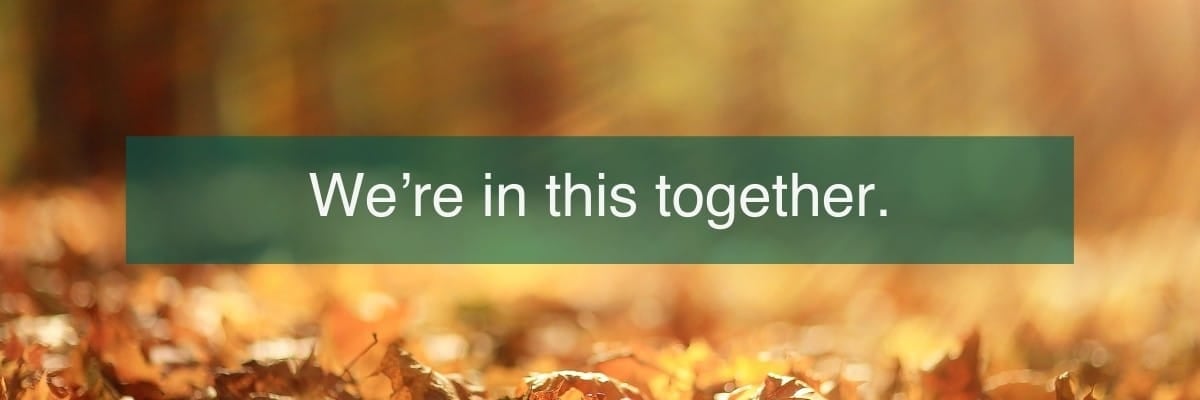
This font takes you to the media scene. It is popular among many broadcasting companies and some top advertising companies. Helvetica is one famous font; it has a documentary to its name. It has a full fill and looks concrete. Helvetica comes in different typefaces: Condensed Bold, Condensed Black, Thin, Thin Italic, Light, Light Italic, UltraLight, and many more. This gives a wide range of options in terms of design and styling. It also gives your work a modern touch.
Now that you have a comprehensive list of the types of subtitle font available to you. Questions like: “what is the best font for subtitles?” should be easy to answer by now. However, how do you generate a customized subtitle for your video? YouTube, for example, has a default subtitle font. If you don’t want to use this default font or your video is intended for some other platforms, you need to customize your subtitle.
There are many options available, but one that really stands out is our automatic subtitling and manual subtitling service.
9. Open Sans
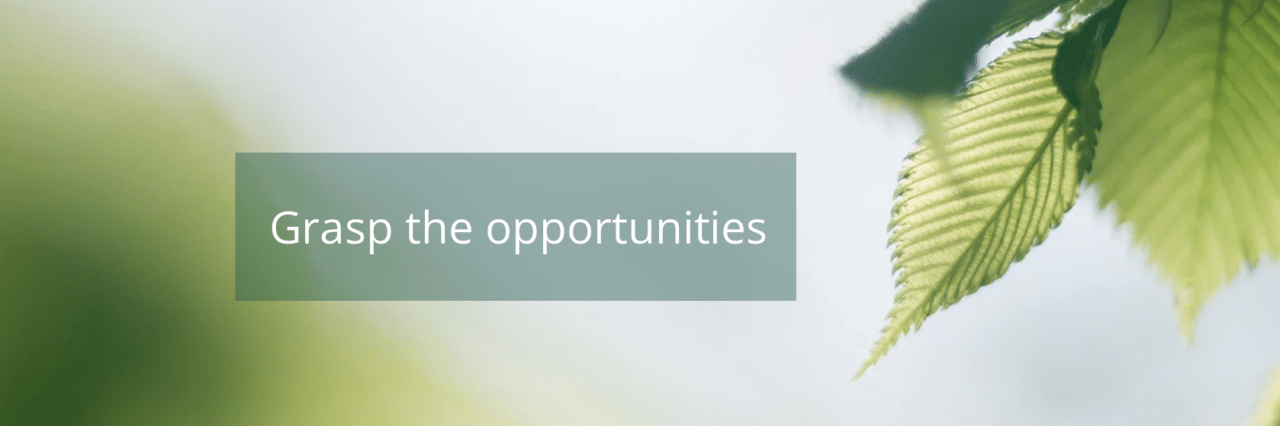
To further enhance our list of the best fonts for subtitles, we’re excited to include Open Sans. Known for its exceptional readability, Open Sans is perfect for a variety of screen sizes, from mobile devices to large displays. This font was designed with digital use in mind, ensuring consistency and clarity across all devices and browsers. Its clean, neutral design makes it a versatile choice that seamlessly fits into both casual and professional settings, providing a modern and reliable option for your subtitles.
Amberscript
Amberscript is an online AI speech recognition software that helps to transcribe your videos and audio. It converts the result of the transcription process to text or subtitle. Services include automatic transcription and automatic subtitles. Amberscript does more than just generate subtitles for your video. The online editor feature allows you to edit this subtitle to your preference.
Another reason why Amberscript is the best for your subtitle generation and editing is the speed of operation. The whole process lasts for just a few minutes. You have a video with an accurate subtitle with your preferred font in no time, and you are good to go. Here are the simple steps involved in the process.
- Visit the Amberscript website.
- Select the preferred services under the products. Amberscript offers machine-made subtitling services, human-made subtitling services and translated subtitles. In this case, machine-made subtitles would be the perfect option.
- Upload your video on the online software.
- The speech recognition software detects the language and starts the transcription process. As mentioned earlier, it only takes a few minutes.
- Next is the online text generator, which helps generate the first draft of text with time stamps.
- You can download the text directly if it is to your satisfaction.
- If it is not, there is an online text editor that allows you to edit the text. This option allows you to change the font, font size, background, and many more. You can also change punctuation, highlighting important parts of the text.
- After editing, you can export the file using various formats.
- You have two options here. One, you can decide to download the subtitle as a separate file. SRT would be the saving option for this. Two, you can decide to burn the subtitle into the video and make it a single file. The formats for this option include SRT, EBU-STL, VTT.
- You are set to save and download your video. Amberscript also gives you the option of uploading the video directly to different platforms of your choice, including YouTube.
Final tips for the perfect subtitles
When editing your subtitle, here are some tips that can help you decide.
Color
Most people use sharp and contrast colors like white or black for subtitles. However, depending on the video, you might want to consider some other options. If it is a video with extremely dark scenes and extremely light scenes, a colored font might be advisable. Remember, it should be something cool and nice.
Size
You should not just select the font; you should also adjust the size to fit the video. You don’t want a size so big that it blocks out vital information on the screen. It should not be too small that readers find it hard to read.
Alignment
You should align your text to the left or middle if you prefer, but not to the right. For more tips, check out our guide on good looking subtitles.
Security
One concern many express is in terms of security. Amberscript is excellent in this regard. Your video is processed through a secure network. We are GDPR compliant and ISO27001 and ISO9001 certified. So, if the uploaded video is something you want to keep private, then you are at the right place.
Why Amberscript?
- Fast — Edit your own text within minutes or leave the work to our experienced language experts.
- Accurate — Our language experts and thorough quality controls ensure 99%+ accuracy of your subtitles.
- Easy — Thanks to a variety of integrations and API interfaces, you can fully automate your workflows.
- Secure — Your data is in safe hands. We are GDPR compliant + ISO27001 & ISO9001 certified.
Frequently asked questions
/01
What is the difference between subtitles and closed captioning?
Subtitles are for viewers who are unable to understand the language spoken, whereas captions are for viewers who are not able to hear the audio. Captions incorporate both the conversation and any other relevant sounds, including environmental sounds and changes in speaker tone. Subtitles focus on translating or displaying the spoken dialogue.
/02
How do I export my subtitles?
Once your file is ready in your Amberscript account, click on the file name and select the export button. You can choose the file format, subtitle style, and alignment. You need a validated email address to export files.
/03
What file formats are supported?
You can export subtitles as SRT, EBU-STL, or VTT files.
/04
How to add subtitles to a video?
Import your video, select the clip to subtitle, tap the Title sign, choose a title style for the bottom of the screen (lower, lower third, or reveal lower third), double-click to add it, and enter your text in the text box at the top of the viewer.
Looking for an easy way to create subtitles for your videos? Explore our automatic subtitling and manual subtitling services, or learn more about how to create subtitles fast and easy.