

Transcription
Subtitle your videos with Kaltura
- Subtitle your video content with ease and accuracy.
- Allow our ASR models to do the heavy lifting, then review the final 10% yourself.
- Choose manual subtitles for a delivery of 100% accurate subtitles.
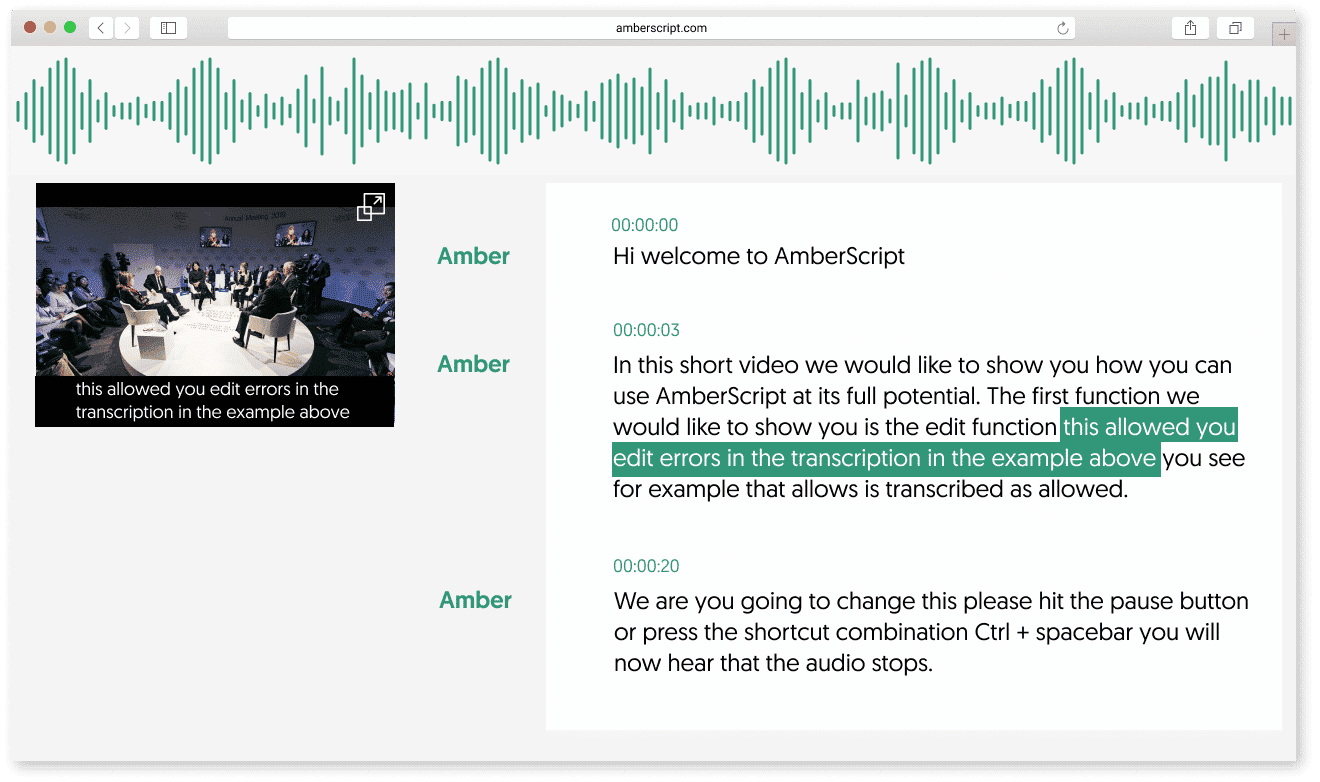
Why use Amberscript?

Fast
Quick turnaround time for your subtitle requests.

Accurate
Accurate alignment of your subtitles in customizable formatting.

Secure
Amberscript is ISO certified and fully GDPR compliant.

How to get started
The first step is to request permission for Amberscript subtitles from your Kaltura customer success manager. Your Amberscript subtitles account will be activated.

The next steps:
1. Upload your video under “Create” in your Kaltura account.
2. Once uploaded, click on “Captions”.
3. If you already have a caption file, you can add it under “Add Caption”. If not, click on “Captions & Enrich”
4. Select which service you would like (machine or professional), select your source language, and set “Feature” to “Captions”
5. Hit submit and wait for your files to be returned! Captions will be available in your player when ready.

Start your integration
Contact us to speak directly with our Partnerships and Integrations Specialists. They’re here to guide you through every step of creating subtitles and making your content accessible.
Contact us